 Image 1 of 5
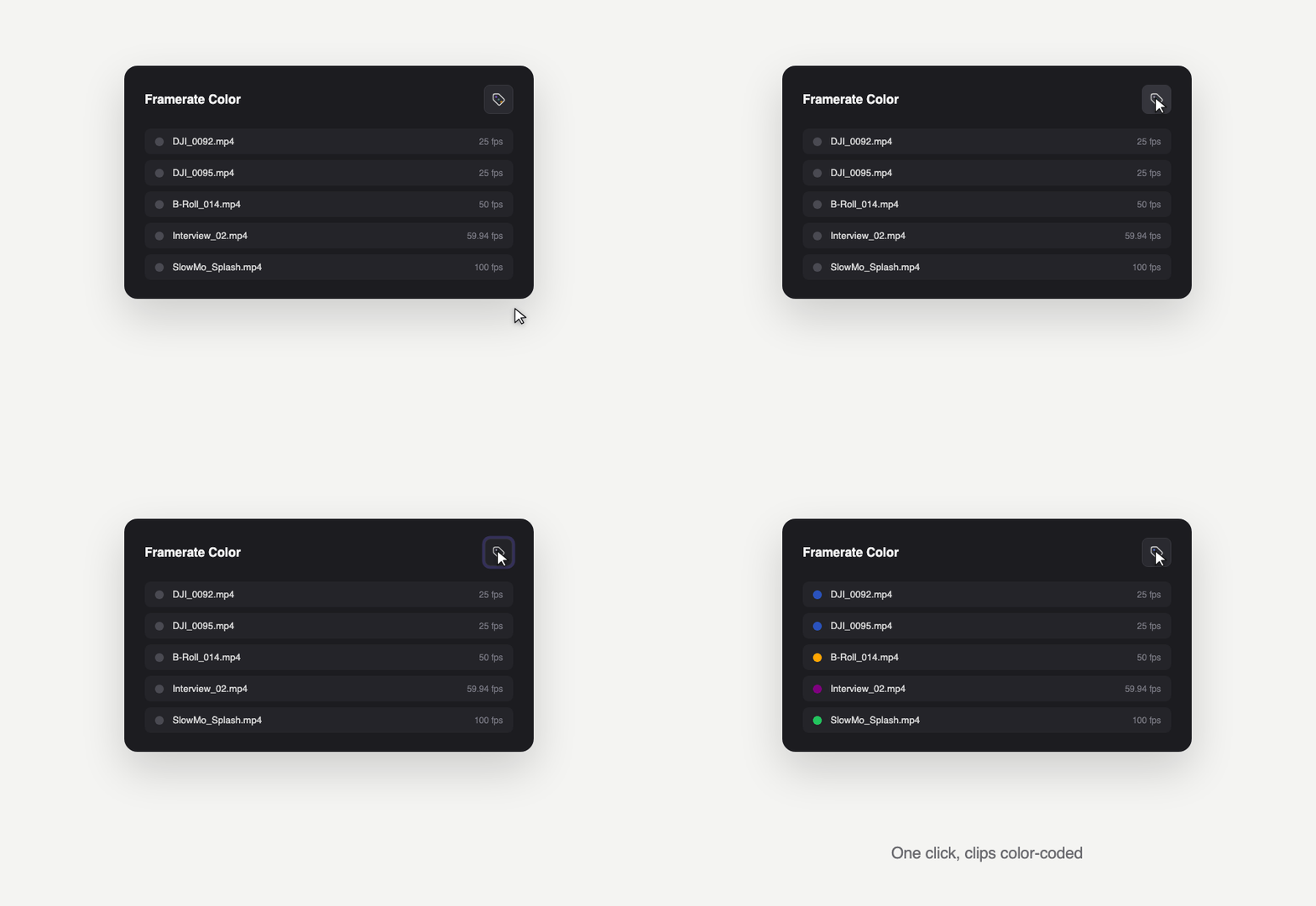 Image 2 of 5
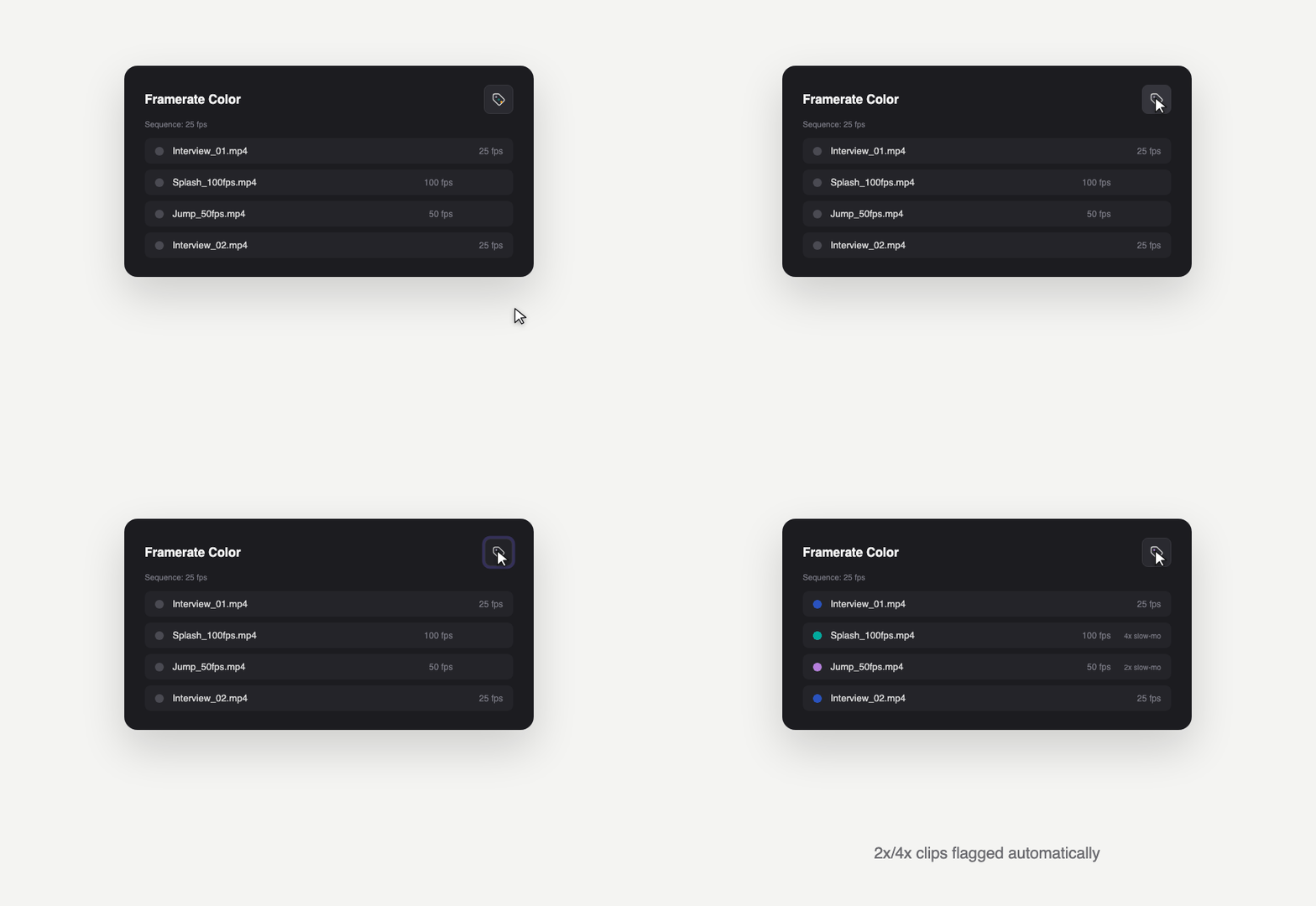 Image 3 of 5
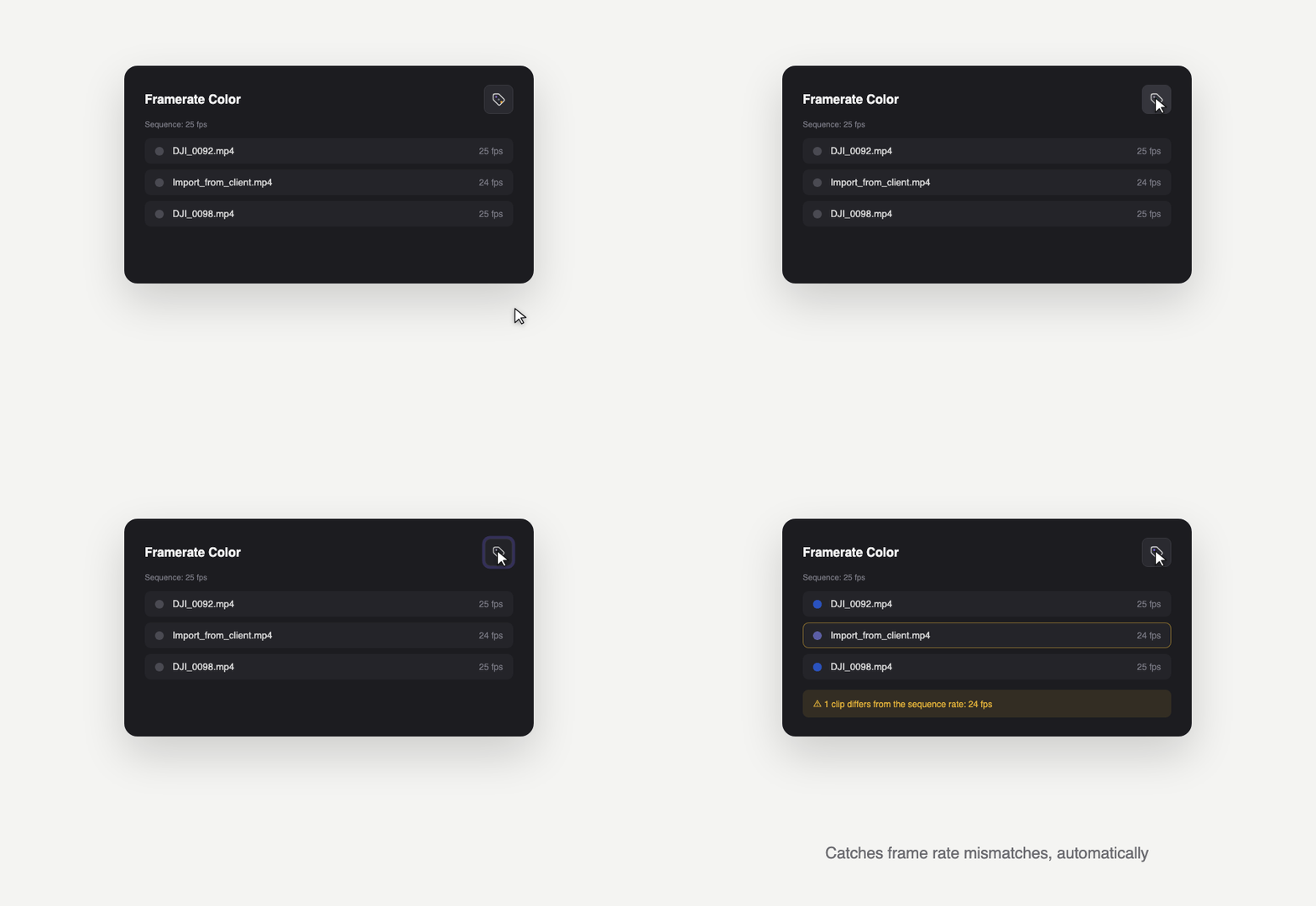 Image 4 of 5
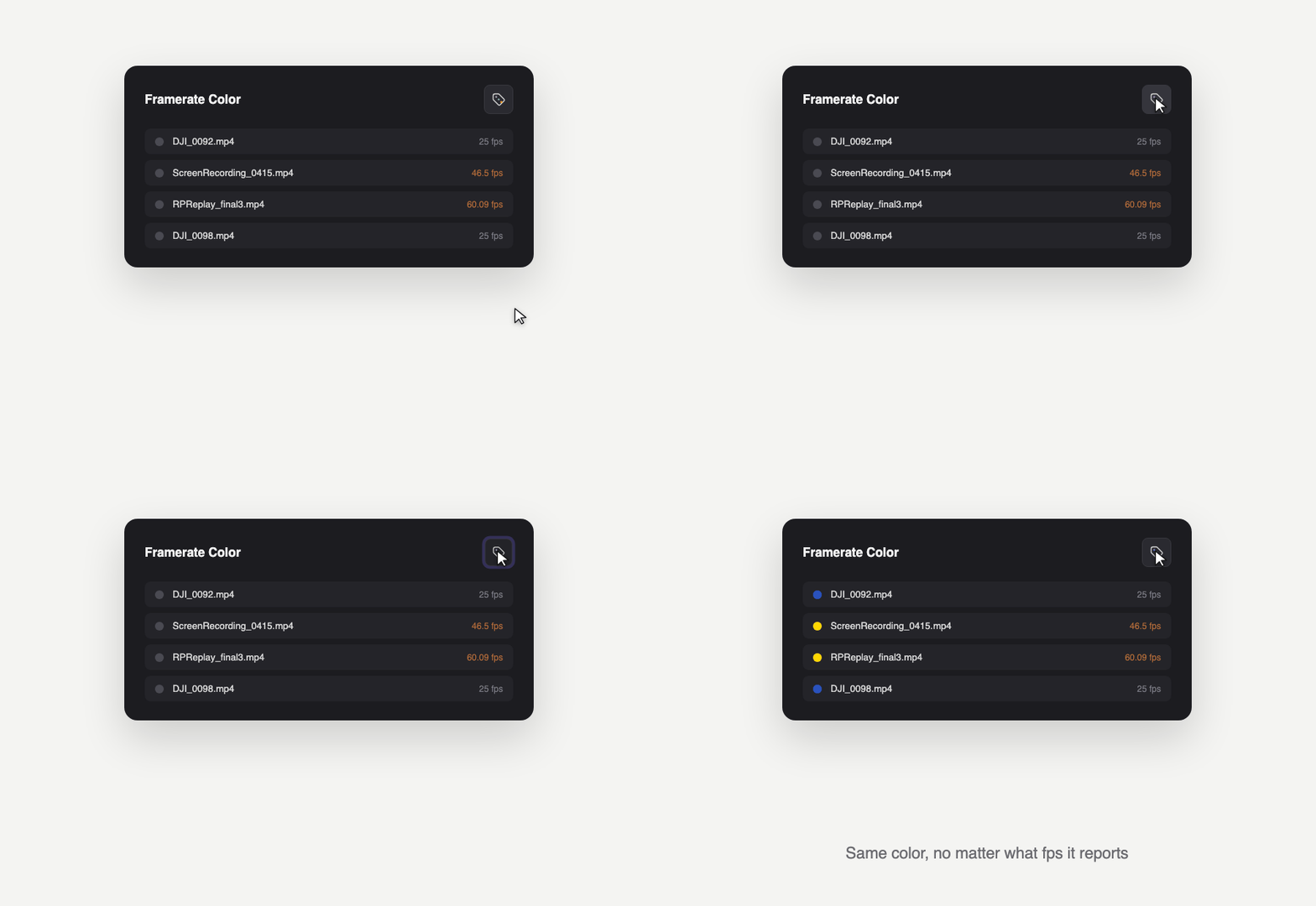 Image 5 of 5
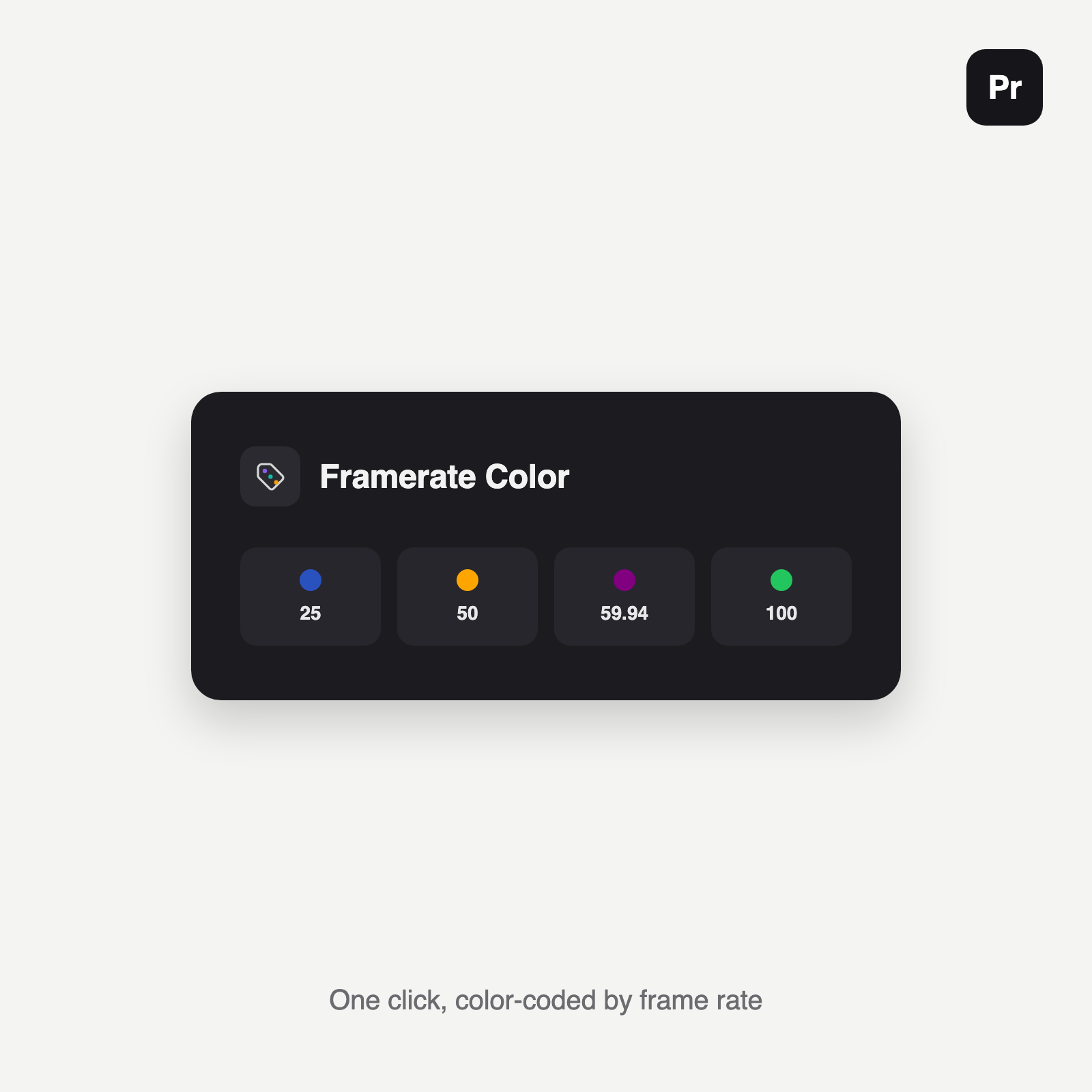
Instantly see which clips in your Premiere Pro project are 24fps, 25fps, 59.94fps, or anything else. One click colors your whole selection by source frame rate, and catches problems most editors only find in the export.
Color by frame rate: select clips (or a whole bin) in the Project panel and click once to label every clip with a Premiere color, based on its source frame rate. It’s fully customizable, so you can pick your own color for each rate.
Catch frame rate mismatches: after every run, the summary lists any clips whose frame rate doesn’t match your currently open sequence, so an accidentally mis-dropped 24fps clip in a 25fps timeline gets caught before it causes judder in the export.
Flag slow-motion footage: clips shot at 2x or 4x your sequence’s rate get their own dedicated color instead of their normal frame-rate color, so slow-motion b-roll never gets mixed up with a grouping mistake.
Handles messy real-world footage: force a color by filename for sources like phone screen recordings, whose reported frame rate is often unreliable. Adjustable drift tolerance keeps footage with small sensor variance grouped correctly.
Always reversible: undo steps back through your last labeling runs, restoring every affected clip to its exact previous color.
Works on macOS and Windows, Premiere Pro 2021 (15.4) and newer.
Instantly see which clips in your Premiere Pro project are 24fps, 25fps, 59.94fps, or anything else. One click colors your whole selection by source frame rate, and catches problems most editors only find in the export.
Color by frame rate: select clips (or a whole bin) in the Project panel and click once to label every clip with a Premiere color, based on its source frame rate. It’s fully customizable, so you can pick your own color for each rate.
Catch frame rate mismatches: after every run, the summary lists any clips whose frame rate doesn’t match your currently open sequence, so an accidentally mis-dropped 24fps clip in a 25fps timeline gets caught before it causes judder in the export.
Flag slow-motion footage: clips shot at 2x or 4x your sequence’s rate get their own dedicated color instead of their normal frame-rate color, so slow-motion b-roll never gets mixed up with a grouping mistake.
Handles messy real-world footage: force a color by filename for sources like phone screen recordings, whose reported frame rate is often unreliable. Adjustable drift tolerance keeps footage with small sensor variance grouped correctly.
Always reversible: undo steps back through your last labeling runs, restoring every affected clip to its exact previous color.
Works on macOS and Windows, Premiere Pro 2021 (15.4) and newer.