See every sequence format at a glance. Get started with one click.
All formats, at a glance
Tiles for 4K and Full HD (16:9), TikTok/Reels/Shorts (9:16), Square, and cinema formats like 1.85:1, 2.35:1, 2.39:1 and 21:9. Each tile shows its resolution and aspect ratio right on it.
One click, new sequence
The “+” button instantly creates a new sequence in that exact format. No dialogs, no math.
Reframe Starter
The “R” button goes further. It creates the new sequence and nests your active sequence inside it, scaled to fit. That’s the perfect starting point for cutting a 9:16 version of a 16:9 edit.
Safe zone guide for social
On the vertical formats, “Safe zones” shows a reference overlay. It marks where TikTok, Reels and Shorts typically place captions, usernames and UI controls, so your key content never gets covered.
Thirds grid
“Thirds grid” adds a rule-of-thirds composition overlay that automatically fits any sequence size. No digging through Premiere’s own guide menu. Just one click to show or hide it.
Simple to install
Double-click installer for Mac and Windows, no Adobe account needed, runs right inside Premiere Pro.
See every sequence format at a glance. Get started with one click.
All formats, at a glance
Tiles for 4K and Full HD (16:9), TikTok/Reels/Shorts (9:16), Square, and cinema formats like 1.85:1, 2.35:1, 2.39:1 and 21:9. Each tile shows its resolution and aspect ratio right on it.
One click, new sequence
The “+” button instantly creates a new sequence in that exact format. No dialogs, no math.
Reframe Starter
The “R” button goes further. It creates the new sequence and nests your active sequence inside it, scaled to fit. That’s the perfect starting point for cutting a 9:16 version of a 16:9 edit.
Safe zone guide for social
On the vertical formats, “Safe zones” shows a reference overlay. It marks where TikTok, Reels and Shorts typically place captions, usernames and UI controls, so your key content never gets covered.
Thirds grid
“Thirds grid” adds a rule-of-thirds composition overlay that automatically fits any sequence size. No digging through Premiere’s own guide menu. Just one click to show or hide it.
Simple to install
Double-click installer for Mac and Windows, no Adobe account needed, runs right inside Premiere Pro.
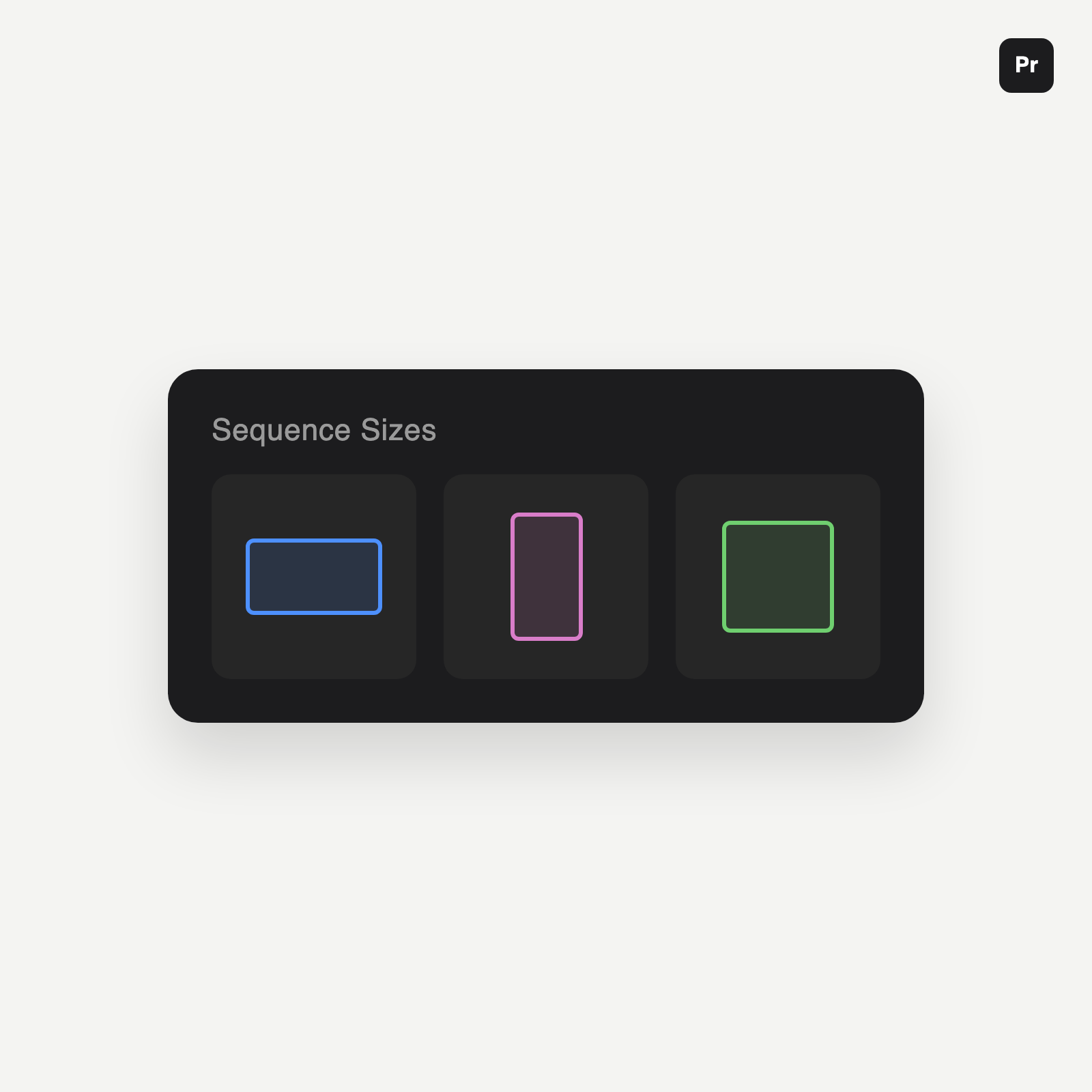 Image 1 of 6
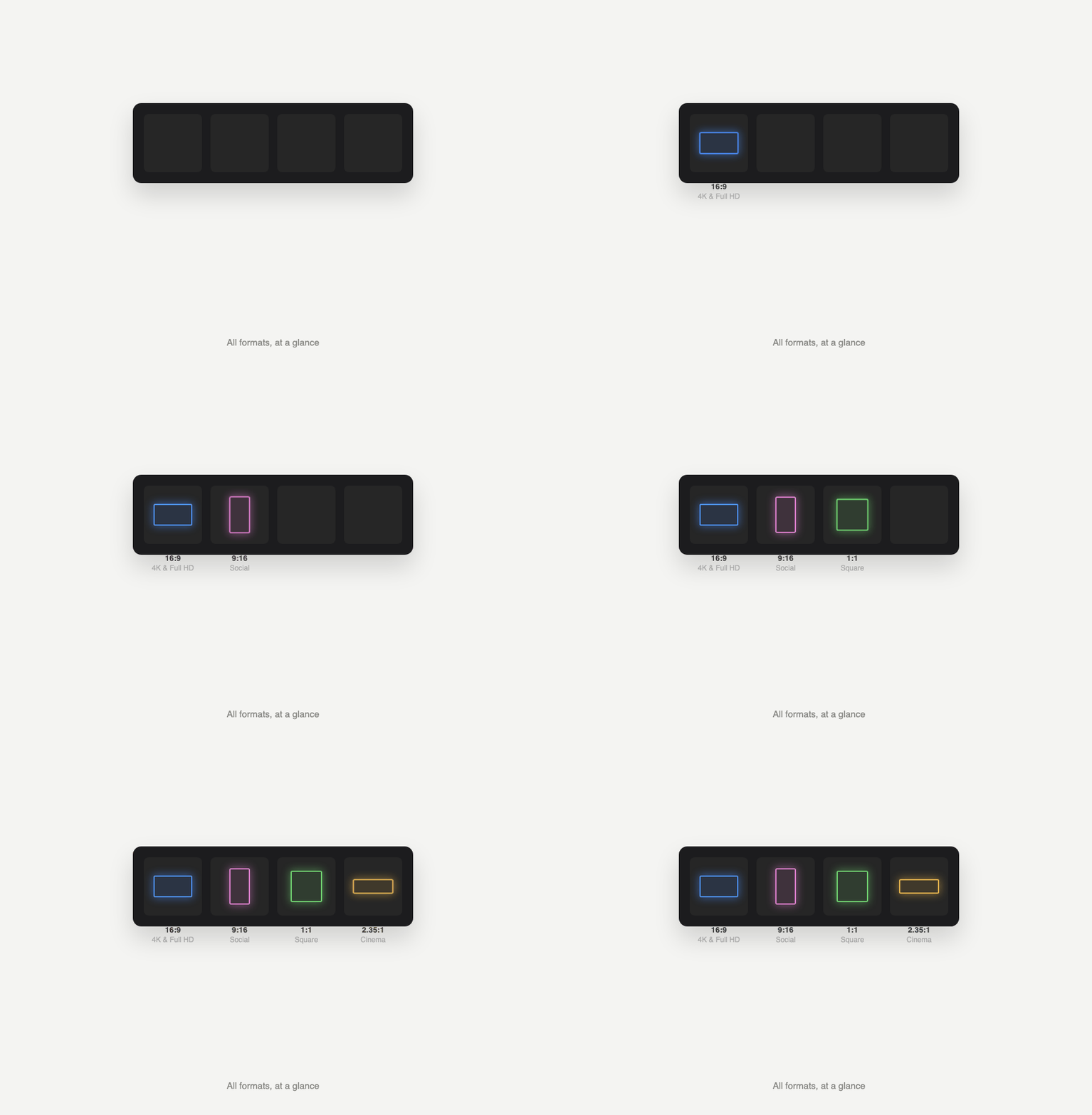 Image 2 of 6
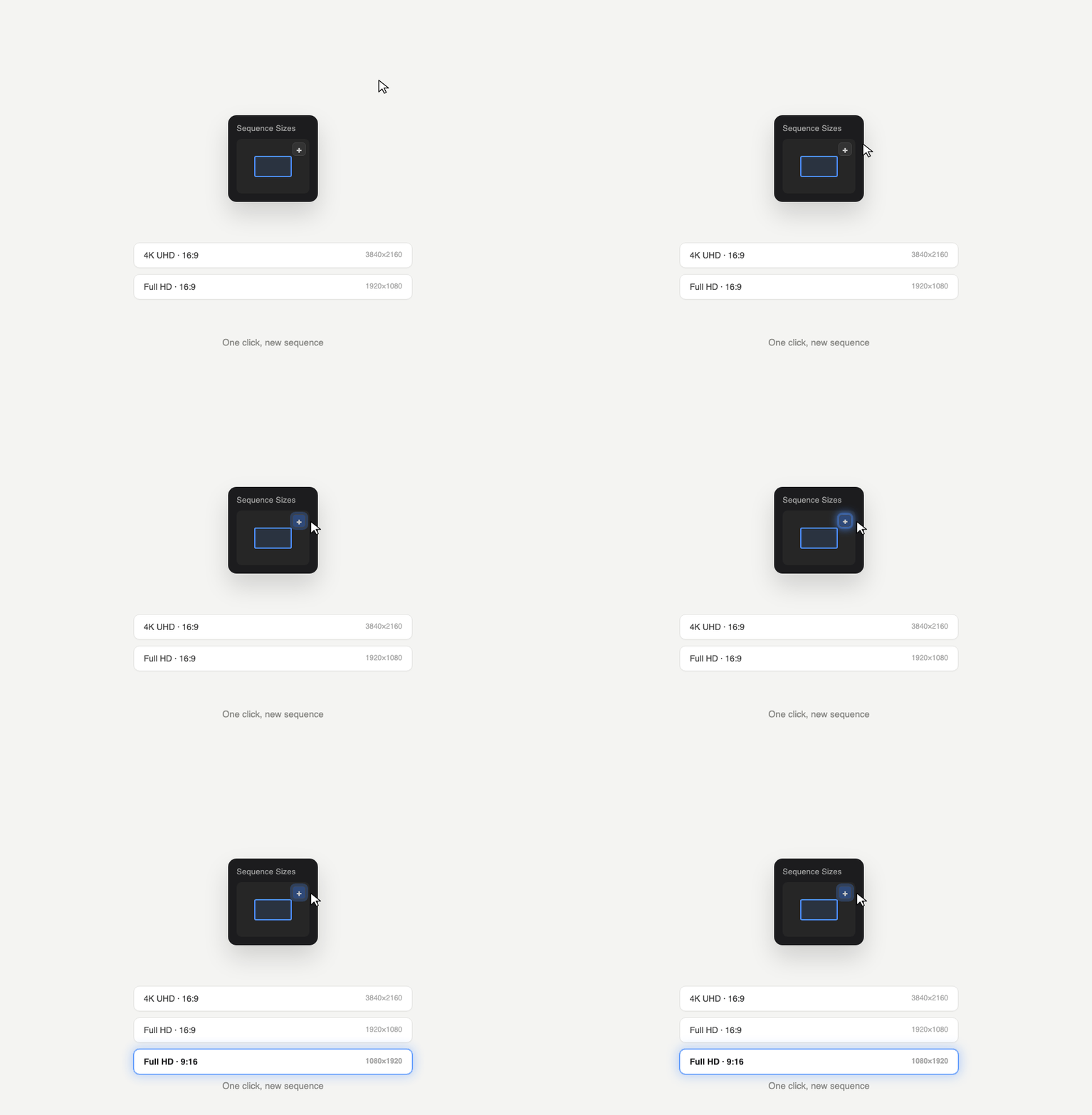 Image 3 of 6
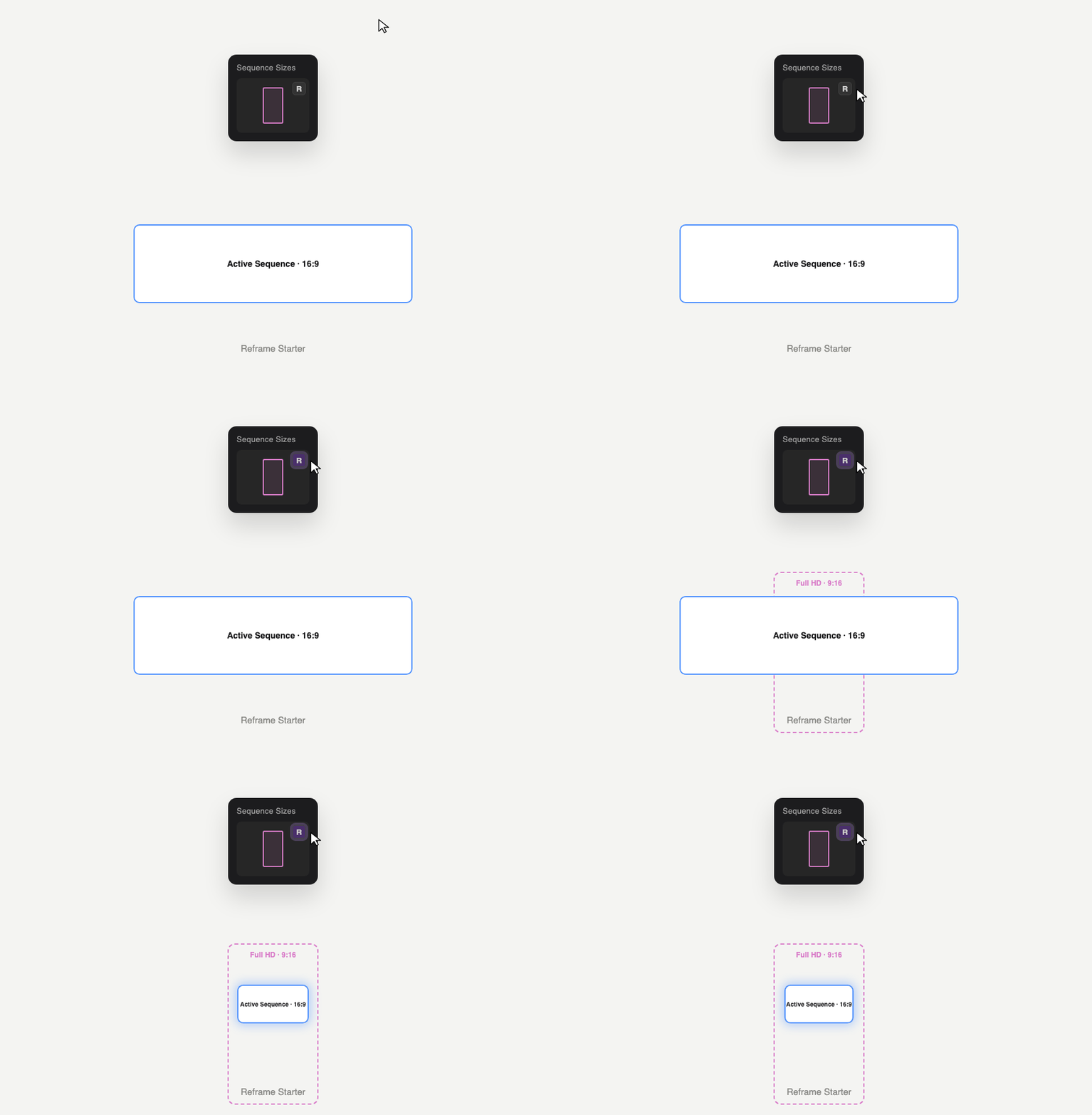 Image 4 of 6
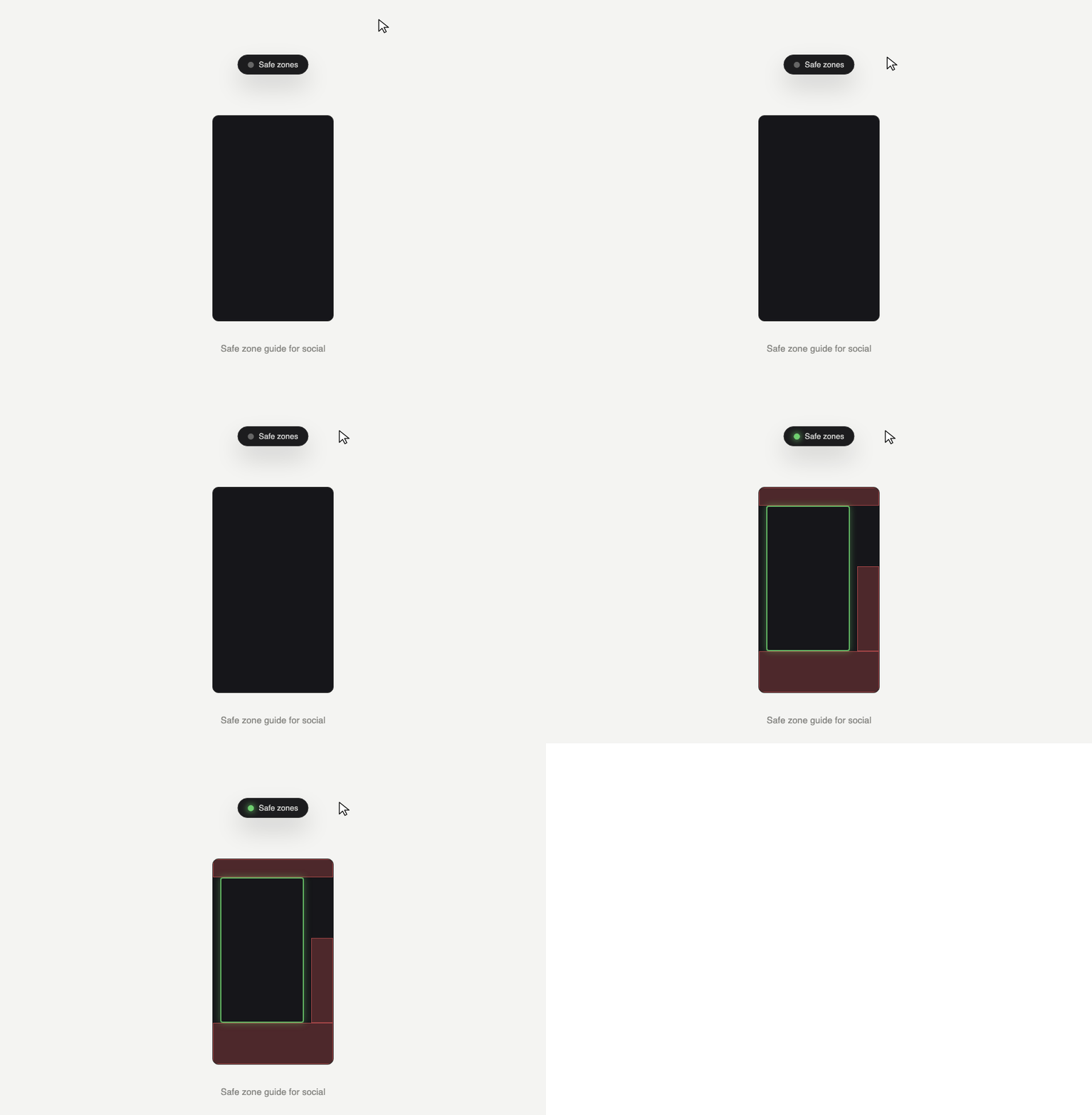 Image 5 of 6
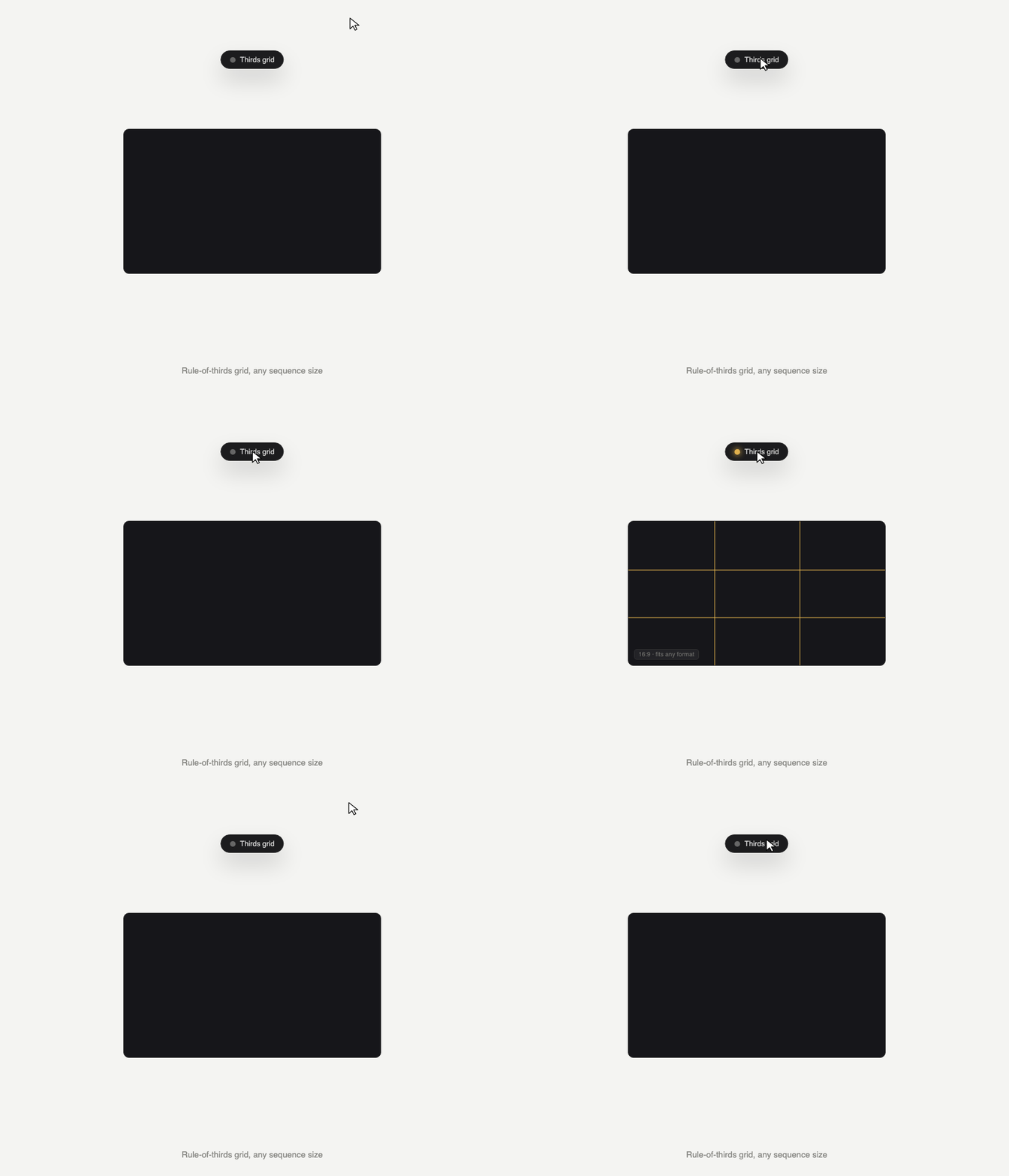 Image 6 of 6